
2026 Technology Edition | Laptop & AI Trends
AI PCs Are Changing Everything: Is Your Next Laptop Smarter Than You Think?
From intelligent processors to on-device AI assistants, laptops are evolving beyond speed and performance. Here’s what the next generation of computing means for everyday users.
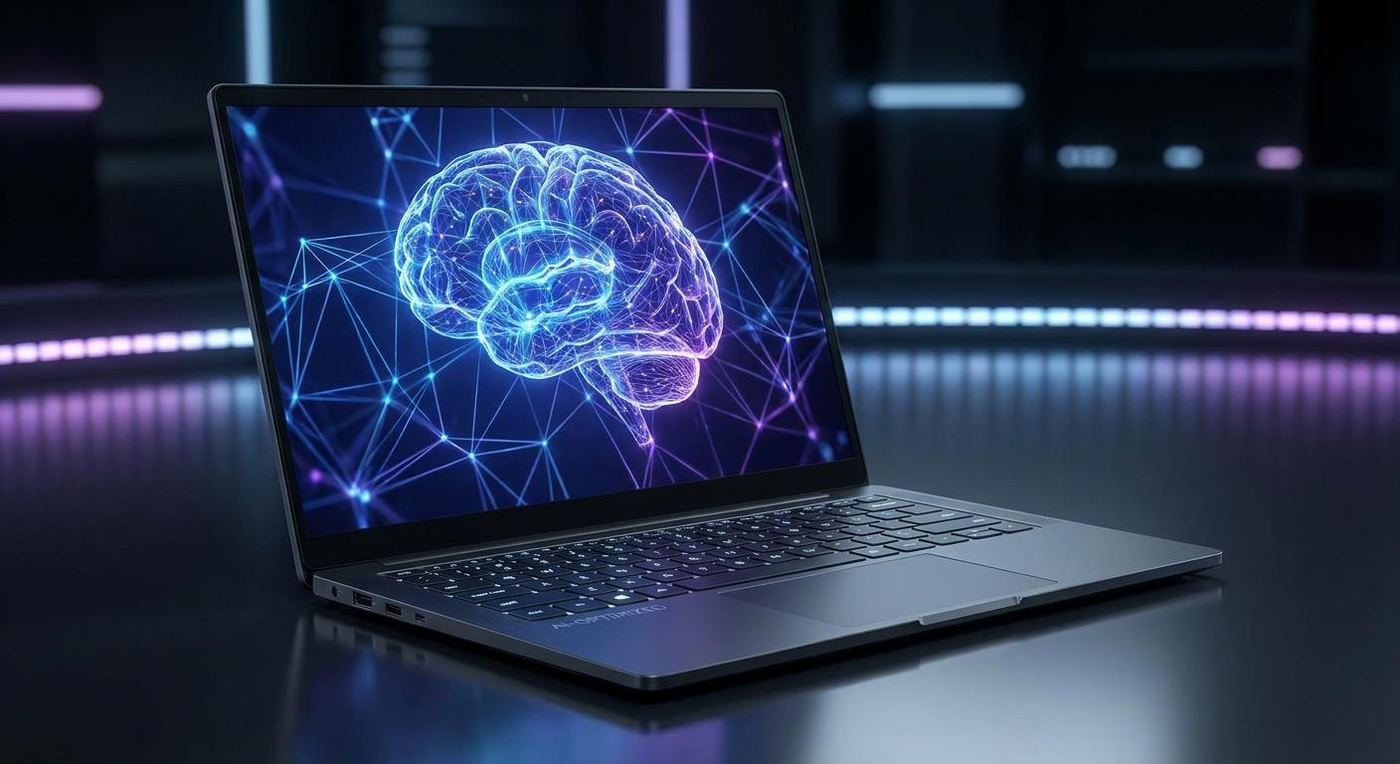
1. The laptop is getting a brain of its own
Remember when buying a laptop meant comparing processor speeds, RAM, storage and graphics cards?
Those specifications still matter, but a new component is changing the way we think about computing: the Neural Processing Unit (NPU).
Modern AI laptops are designed to do more than run applications. They can accelerate AI-powered tasks such as image processing, background noise cancellation, real-time effects, language translation and intelligent assistance.
Instead of relying entirely on the CPU or GPU, an AI PC can distribute certain workloads to a dedicated NPU.
The result? A new generation of computers designed to make everyday work smarter and more efficient.
2. What exactly is an AI PC?
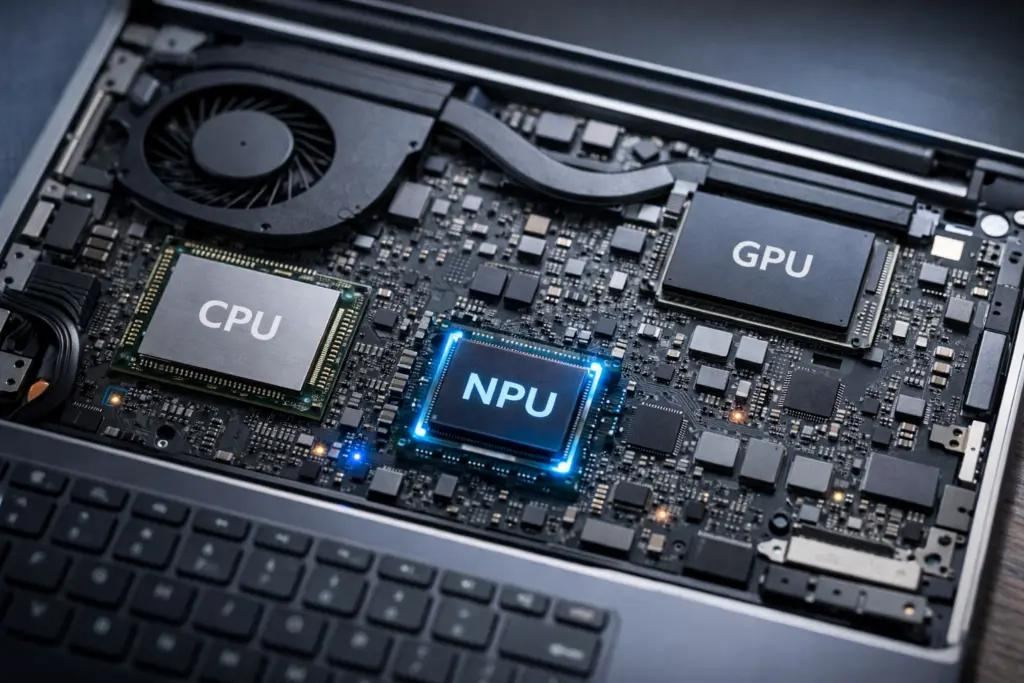
An AI PC is a computer designed with hardware capabilities that accelerate artificial intelligence workloads.
The three important processing components are:
CPU – The Brain of Operations
Handles general computing, multitasking, applications and everyday processing.
GPU – The Visual Powerhouse
Handles graphics rendering, gaming, video editing and parallel computing workloads.
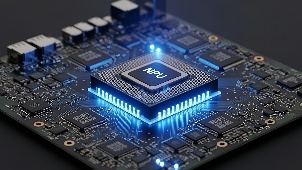
NPU – The AI Specialist
Accelerates supported AI workloads efficiently, helping with tasks such as intelligent effects, image processing and local AI inference.
Microsoft’s Copilot+ PC category requires an NPU capable of at least 40 TOPS (trillion operations per second), along with other hardware requirements.
3. What can an AI laptop actually do?
This is where things get interesting. AI is no longer just a feature for technology enthusiasts.
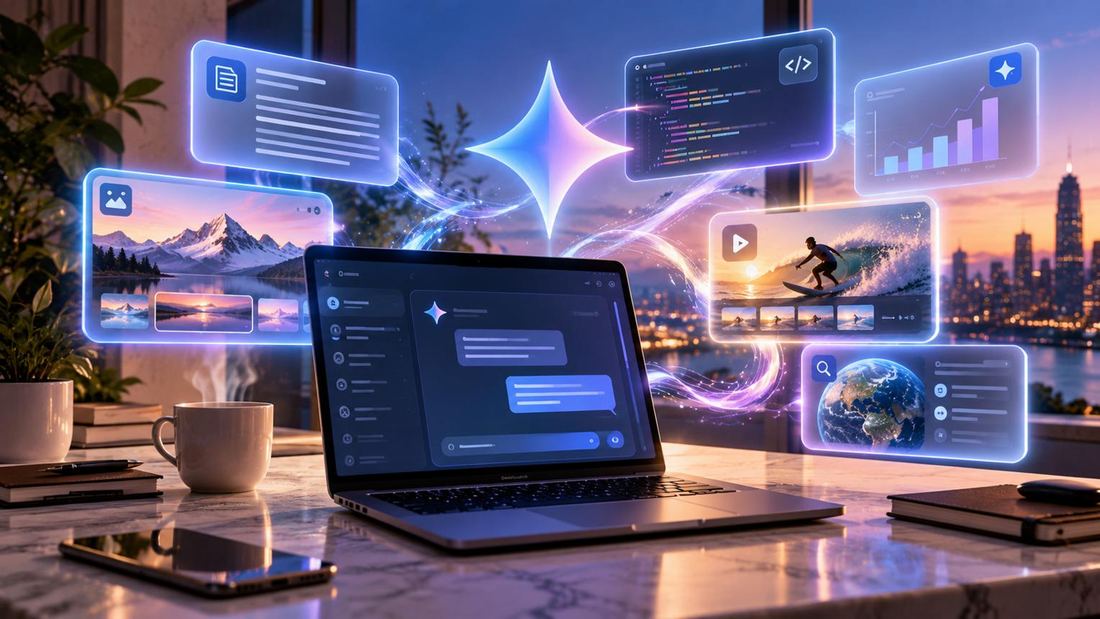
Here are some practical examples:
A. Smarter video meetings
- Automatically reduce background noise.
- Apply background blur.
- Improve camera framing and lighting.
- Enhance supported video-call experiences.
B. AI-powered creativity
- Generate and refine images.
- Assist with creative content.
- Improve images using supported AI tools.
- Accelerate selected editing workflows.
C. Intelligent productivity
- Summarise supported documents.
- Get assistance with writing and research.
- Translate supported conversations.
- Find information more efficiently.
D. Better local AI experiences
Some AI models can run directly on the laptop rather than relying entirely on cloud processing. This can improve responsiveness and help keep certain workloads local, depending on the application and its configuration.
Windows is also expanding hybrid intelligence, combining on-device AI with cloud-based capabilities.
4. Is an AI PC worth buying in 2026?
Not every laptop buyer needs an expensive AI-powered machine. The right choice depends on what you do.
| User category | What should you consider? |
|---|---|
| Students | AI assistance, battery life, portability |
| Office professionals | NPU, multitasking, video conferencing |
| Content creators | CPU, GPU, NPU, display quality |
| Gamers | Dedicated GPU, cooling, refresh rate |
| Business users | Security, manageability, productivity |
Our recommendation: If you’re planning to keep your next laptop for several years, consider a modern processor with a capable NPU, at least 16GB RAM and SSD storage. Choose 32GB RAM if your workload involves demanding creative applications or heavy multitasking.
5. Five things to check before buying your next AI laptop
- Processor generation: Don’t look at just the processor’s name. Check its generation and actual performance.
- NPU performance: Check the NPU’s TOPS rating and the AI features it supports.
- RAM: 16GB is a sensible starting point for most modern users.
- Battery life: Look beyond battery capacity and check independent real-world battery tests.
- Upgradeability: Check whether the RAM and SSD can be upgraded in the future.
A laptop is a long-term investment. Buy for the work you expect to do, not just the specifications printed on the box.
6. What’s next for laptops?
We are moving towards a world where laptops will become intelligent personal computing assistants.
Imagine opening your laptop and asking it to organise your files, summarise your meeting notes, troubleshoot a technical problem or help you create a presentation.
Some of these capabilities are already emerging, while others are still developing.
The future of laptops won’t be defined only by how fast they process information, but by how intelligently they help us use it.
Final thoughts: Don’t just buy a laptop. Buy into the future.
The AI PC revolution is not simply another marketing trend. It represents a significant shift in personal computing.
Whether you’re a student, professional, gamer or creator, understanding these technologies will help you make a smarter buying decision.
Technology keeps evolving. Make sure your next laptop evolves with it.